RetroArch Plus
Screenshots
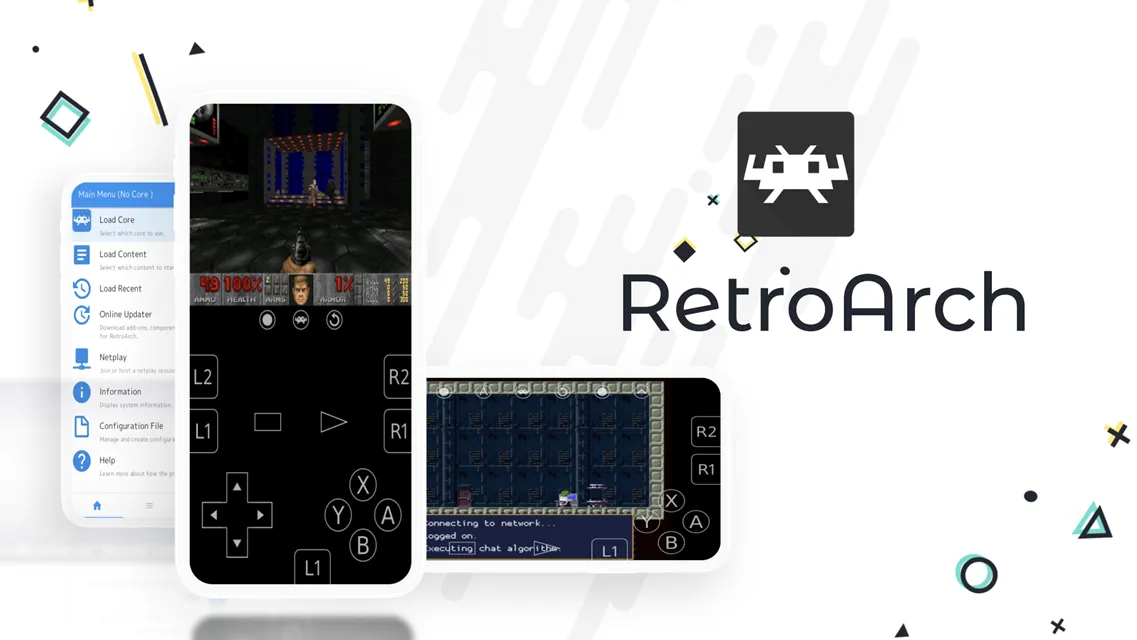
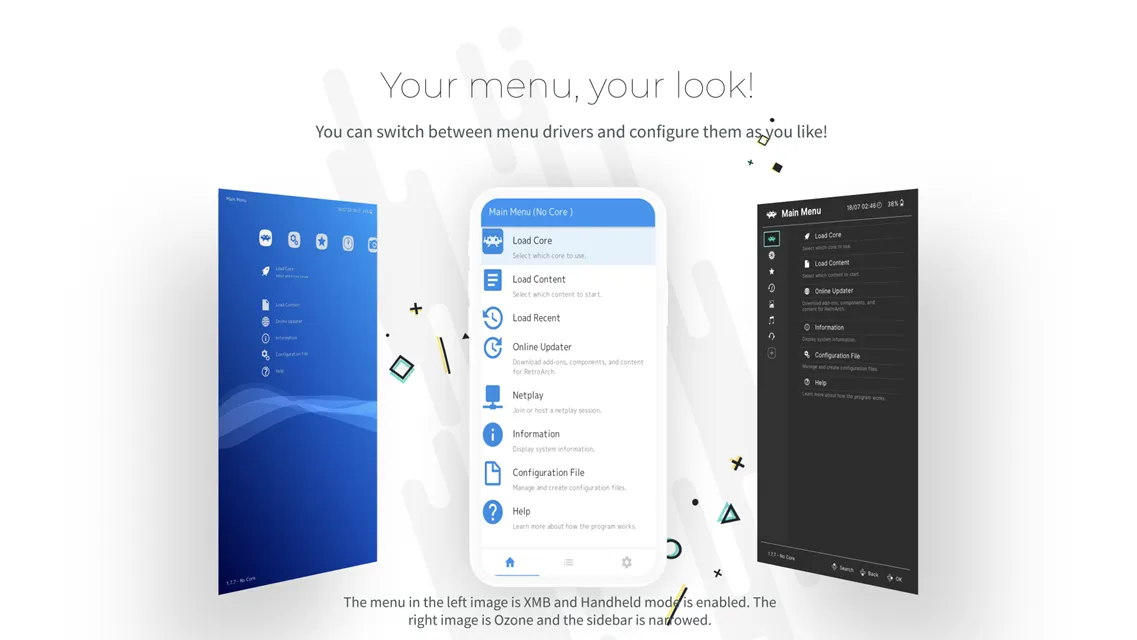
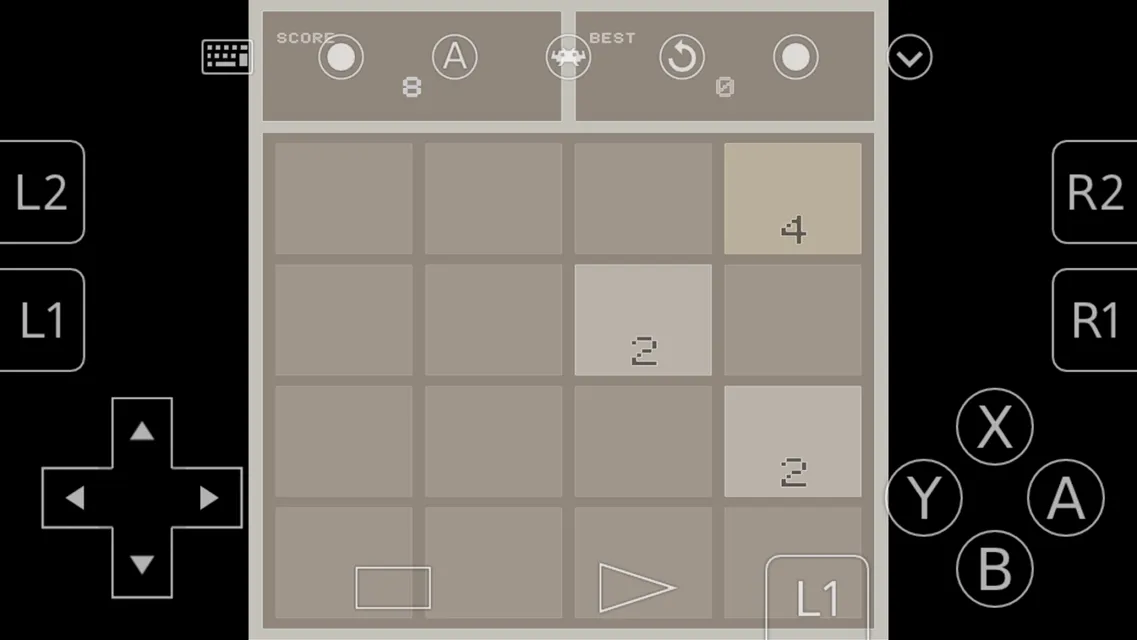
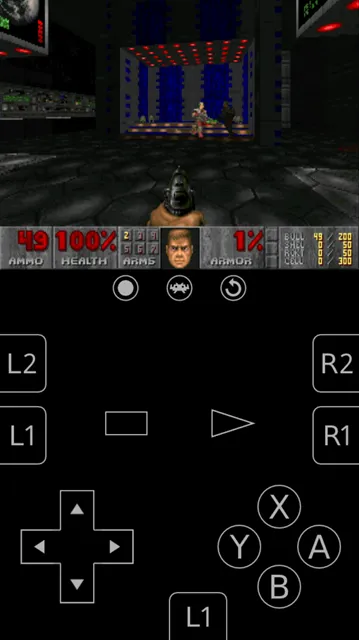
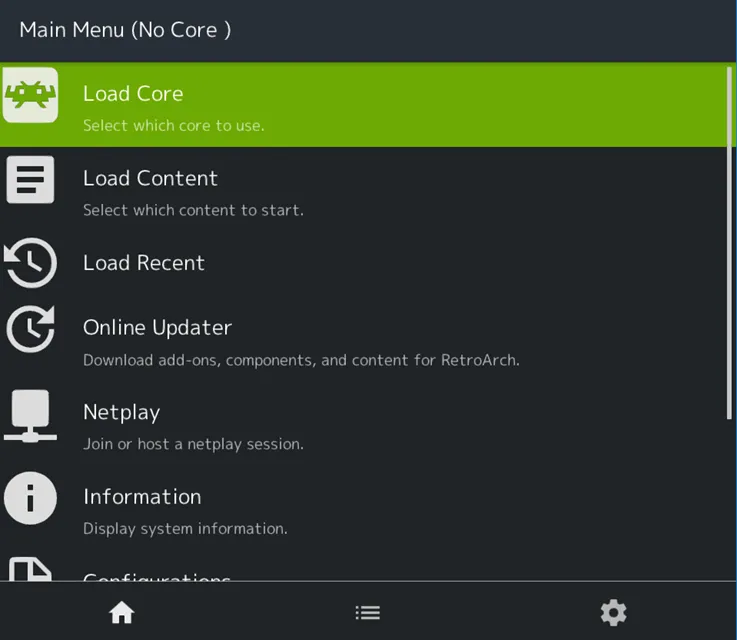
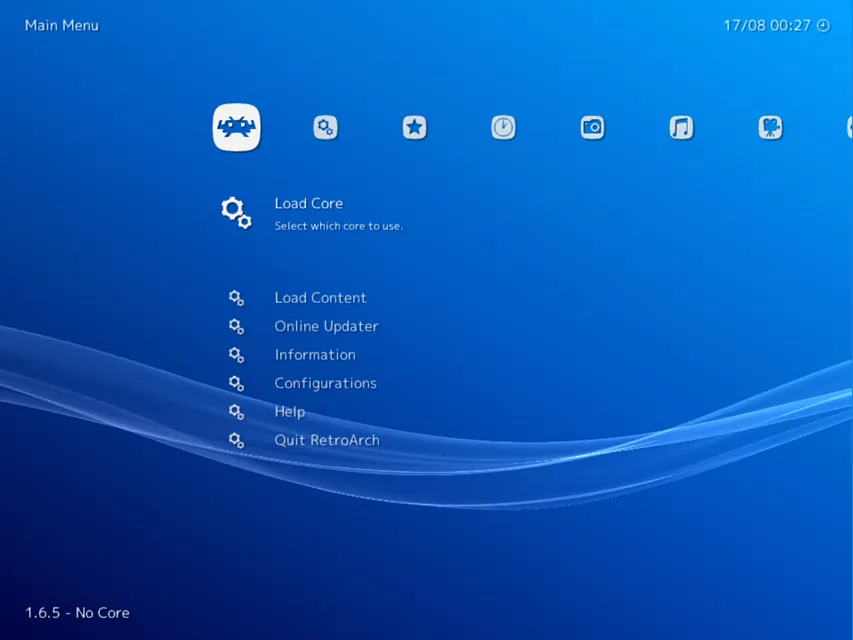
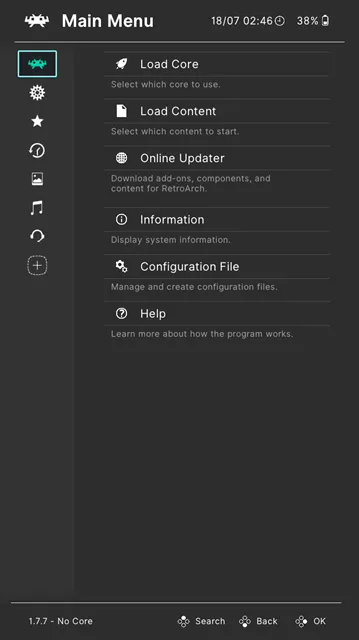
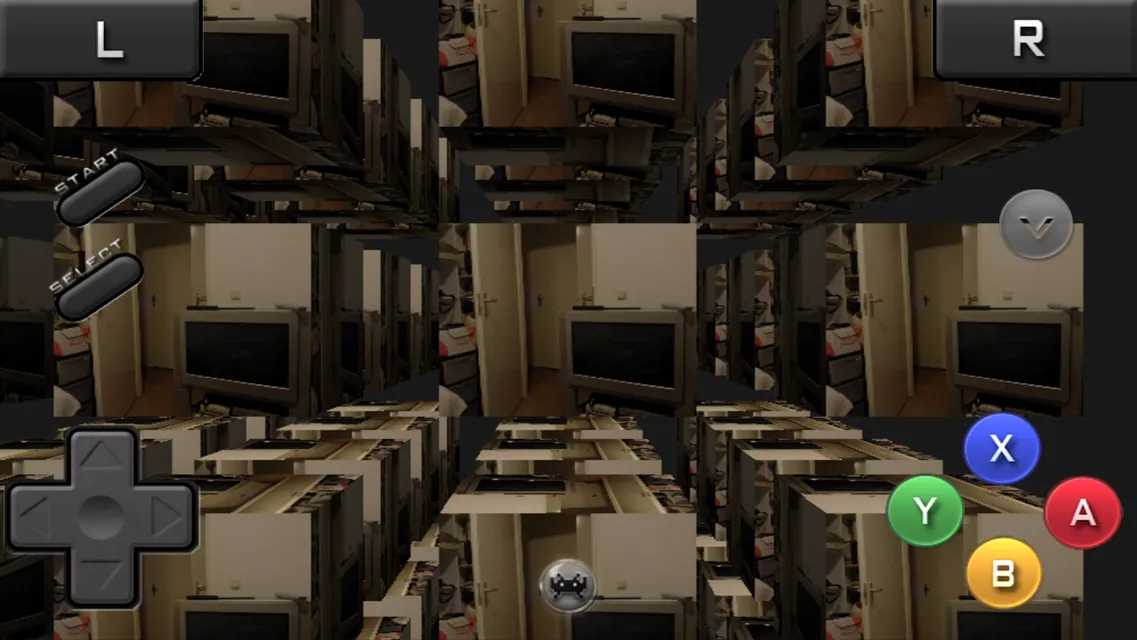
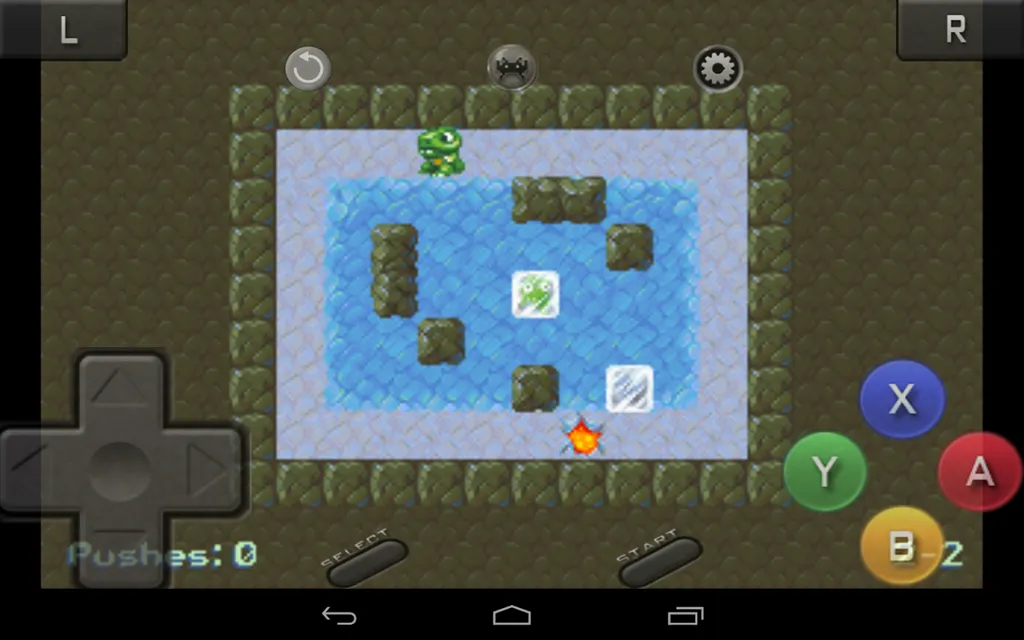
RetroArch Plus is an advanced modular emulation platform designed for high-performance mobile devices. This application runs classic console games using individual emulation engines called cores. Users can access a clean interface to organize their entire retro game collection in one place.
Furthermore, this updated version utilizes modern 64-bit architecture to ensure maximum operational speed. As a result, demanding classic gaming systems run smooth frame rates without heavy battery strain. In addition, touch controls and external gamepads integrate seamlessly across every emulated platform.
Key Features of RetroArch Plus App For Android
RetroArch Plus features a comprehensive set of emulation tools built for demanding retrogaming fans. For example, the core engine allows players to run multiple gaming consoles within a unified interface. In addition, users can customize audio settings, touch controls, and display resolutions for each console.
Moreover, the application receives frequent updates to maintain top compatibility with modern hardware. That is to say, you can enjoy classic home consoles and handheld systems effortlessly. Below are the primary features available in this powerful gaming engine.
Expanded 64-Bit Core Limit
Firstly, this enhanced build supports up to 127 individual cores on modern operating systems. Consequently, players can install more emulators simultaneously without encountering strict system restrictions. In addition, the 64-bit structure improves processing efficiency for demanding 3D gaming systems.
Universal Controller Remapping
Secondly, automatic gamepad configuration makes external controller setup fast and straightforward. For instance, plugging in a Bluetooth controller immediately maps every button accurately. Furthermore, users can create custom input profiles for specific games or overall console systems.
Advanced Shader and Visual Filters
Thirdly, real-time graphic shaders transform modern pixel displays to recreate classic CRT monitor visuals. In short, these graphical overlays replicate scanlines, screen curvature, and authentic color palettes. As a result, classic games retain their original retro aesthetic on high-resolution mobile screens.
Instant Rewind and Save States
Fourthly, players can save their exact game progress at any moment with dedicated save states. Meanwhile, the built-in rewind feature lets you reverse gameplay mistakes in real time. Therefore, difficult platformers become much more manageable for casual gamers.
Integrated Netplay Multiplayer
In addition, built-in netplay capability allows retro fans to host or join online multiplayer lobbies. That is to say, you can play classic arcade games alongside friends over local network connections. Likewise, spectator mode lets other users watch active gameplay sessions smoothly.
RetroAchievements Integration
Above all, retro gaming fans can unlock custom trophies through full RetroAchievements support. To clarify, logging into your account tracks completed challenges across dozens of retro platforms. Consequently, classic games gain brand new replay value and competitive tracking.
RetroArch Plus System Compatibility and Modular Cores
System performance relies heavily on selecting the correct emulation cores for your specific device. For instance, lighter 8-bit and 16-bit consoles require very little processing power to run full speed. However, 3D systems need optimal 64-bit execution to eliminate frame drops and audio stuttering.
In addition, users can switch between different core versions to find the best speed balance. Consequently, older devices can still run classic games by choosing performance-focused core variations. Above all, modular design keeps the system flexible without cluttering internal storage space.
RetroArch Plus: Advanced Graphics and Shader Customization
Customizing visual settings significantly elevates the overall retrogaming experience on modern screens. For example, applying CRT scanline shaders softens harsh pixels on high-definition mobile displays. Furthermore, video options allow users to force aspect ratios that preserve original game proportions.
Meanwhile, frame throttling tools prevent games from running too fast on high refresh rate displays. As a result, classic animations execute at their intended original speeds without unnatural pacing. In short, graphics customization gives players complete control over visual fidelity.
How to Download and Install RetroArch Plus APK
Installing this application onto your mobile device requires a few quick manual steps. First of all, Click the download button on our page to save the installation file directly. After that, open your device file manager, tap the downloaded file, and grant necessary installation permissions.
- Download the Package:
- Click the download button on our website to retrieve the latest application file package.
- Enable Unknown Sources:
- Navigate to your device security settings and allow installations from unknown source locations.
- Locate the File:
- Open your internal storage file manager and locate the downloaded package inside your downloads folder.
- Execute Installation:
- Tap the file package and confirm the installation prompt to finish the setup process.
RetroArch Plus Tips and Tricks
- Enable Rewind Support: Turn on rewind functionality inside the frame throttle settings to correct missed jumps instantly.
- Organize Playlists: Scan your storage directories to create neatly organized game playlists with cover art thumbnails.
- Customize Touch Controls: Adjust touch button opacity and positions to avoid blocking important gameplay areas.
- Use Core Overrides: Save specific core overrides so your custom button remappings apply to whole consoles automatically.
- Load Shader Presets: Combine CRT and smooth filters into custom shader chains for superior retro visual quality.
- Set Up Quick Menu Shortcuts: Map a controller hotkey combination to open the main menu during active gameplay.
External Controller and Netplay Setup in RetroArch Plus
Connecting a physical gamepad transforms handheld mobile play into a full console experience. For instance, most modern Bluetooth controllers pair automatically without requiring manual driver installations. Further, input remapping menus let you tweak dead zones and trigger sensitivity with high precision.
Meanwhile, netplay configuration enables seamless multiplayer matches across local networks. For example, host players can create password-protected rooms for private matches with friends. Consequently, retro multiplayer gaming remains easy to manage on portable mobile hardware.
Conclusion
In conclusion, RetroArch Plus represents a magnificent advancement for mobile retro gaming fans around the globe. By leveraging 64-bit processing power, the platform runs demanding retro consoles with incredible stability. In addition, vast customization options allow players to fine-tune graphics, audio, and control schemes effortlessly.
To sum up, organizing your classic game library within a single unified application saves time and storage space. Moreover, features like rewind, save states, and RetroAchievements bring fresh excitement to timeless gaming classics. Therefore, downloading this platform is the best decision for any dedicated retro gaming fan today.